How to Get More Leads for Your Coworking Space
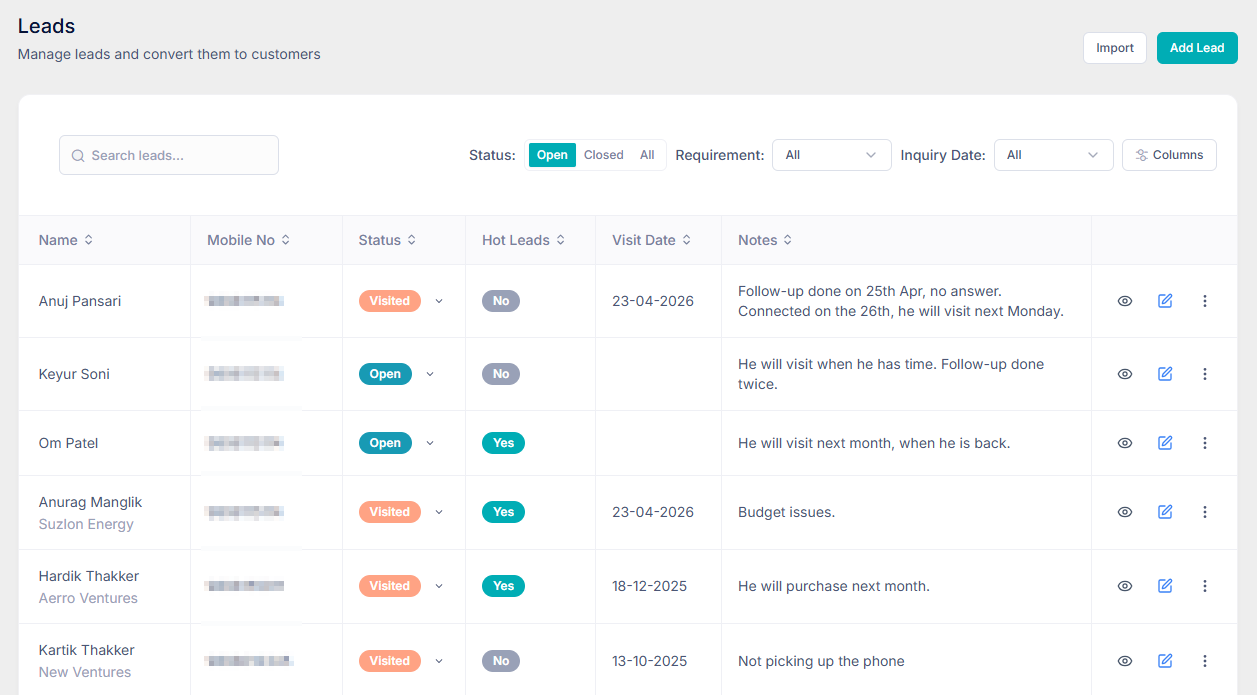
Most new leads for a coworking space come from people who are already looking: Google Search, Google Maps, your website, and listing sites such as Coworker and myHQ. Get those four places complete and accurate, then catch every inquiry in one system. Coworking App does the catching — a form on your website, a feedback link that feeds Google reviews, and a Play Store app that turns a download into a lead.
On this page
Where coworking leads actually come from
A coworking lead is someone who might buy a desk, a cabin, a day pass, or a meeting room. They rarely start on your rate card. They start with a search: "coworking space near me," a map of the neighbourhood, a friend's Instagram story, or a directory they already use when they travel.
Operators often jump to ads or WhatsApp blasts when the tour calendar looks empty. Those can work. They also spend money before the free channels are finished. If your Google profile has two photos and last year's phone number, an ad only sends more people to a listing that does not convert.
The basic technique is unglamorous: be findable, be accurate, and give every visitor one obvious way to raise a hand. Then keep that hand in a lead list your team actually opens.
Build a Google Business Profile
Google Business Profile — still called Google My Business by a lot of operators — is the listing that shows up in Search and Maps when someone looks for a place to work. For a single-location space it is often the highest-volume source of leads you will ever set up, and it costs nothing but an afternoon.
Create the profile for the business, not for a personal Gmail you might lose. Then fill in what a person decides on before they call:
- Name, category, and address — use the name on your sign. The primary category should be coworking space, not a generic "office."
- Phone and website — the number a human answers during tour hours, and a site that loads on a phone.
- Hours — including the hours a prospect can actually visit. A profile that says you are open when the door is locked trains people not to trust the listing.
- Photos — the entrance, open desks, a cabin, a meeting room, and the pantry. Phone photos taken in daylight beat a logo on a blank cover.
- Services and a short description — hot desks, dedicated desks, private cabins, meeting rooms, day passes. Say what you sell in the words people search.
After the profile is live, treat it like a noticeboard. Post when you open a new cabin, run a day-pass offer, or host an open house. Ask members who already like the space for a review, and reply to the reviews you get — including the short ones. A profile with recent photos and a handful of specific reviews outranks a prettier brand that has not touched its listing in a year.
Build a website
A Google profile answers "are you nearby?" A website answers "is this the right space for me?" People who are comparing two or three options will leave if they cannot see the floor, the plans, or a way to book a tour.
You do not need a large site. A single clear page is enough when it covers:
- Where you are, and how to reach you
- What you offer — day pass, open desk, dedicated desk, cabin, meeting room — with a starting price or a "plans from" line
- Photos of the actual floor, not a stock office
- A short inquiry form, or a phone number and WhatsApp link that land in one place
Put the form high on the page. A lead who has to hunt for "Contact" at the bottom of a long gallery often does not. Ask for a name, a mobile number, and what they want — a tour, a day pass, a cabin — so the follow-up is specific. If the form sends mail to an inbox nobody checks, it is not a lead channel. It is a suggestion box.
Keep the page fast on a phone. Most "coworking near me" traffic arrives that way, often while the person is already in the neighbourhood.
Add your location to Google Maps
Your Business Profile is what creates the pin. The pin still needs to be right. A surprising number of spaces are plotted on the wrong building, the service lane, or the address of the landlord's other property. People follow the pin, fail to find the door, and book the next space on the map.
Open your profile, check the map, and drag the pin to the entrance members actually use. Walk the directions yourself. If Google sends people through a basement or a one-way street, edit the address details until the route matches the tour you give in person.
A few details decide whether the pin gets the click:
- Category — coworking space, so you appear for that search and not only for your brand name
- Service area versus storefront — you have a place people visit, so list the street address. Do not hide a physical space behind a service-area setting.
- Attributes — Wi-Fi, meeting rooms, parking, wheelchair access, women-owned, whatever is true. People filter maps. Missing attributes mean you drop out of the filter.
- The same name everywhere — the name on Maps, the website, and the board outside should match. Small differences make Google less confident the listing is yours.
Once the pin is correct, the Maps listing and the Business Profile are the same asset. Updating hours or photos in one place updates the other. That is the job to maintain, not a second profile to create.
List on social and aggregators
Google catches people who search. Social and directories catch people who browse. Both are worth a complete listing. Neither is worth five half-finished profiles.
On social, pick the channels your members already open. For most Indian coworking spaces that is Instagram, Facebook, and LinkedIn — not all of them every day. Use them for proof, not slogans: a photo of a full workshop, a new cabin, a member who just moved in, the meeting room you want to sell this week. Put the neighbourhood and a link to inquire in the bio. A pretty grid with no location and no link does not produce a tour.
Aggregators are different. Sites such as Coworker and myHQ are where people go when they already want a desk in a city — freelancers comparing day passes, teams looking for a cabin, travellers who need a week. They are comparing you with the space two kilometres away, so an empty profile loses on the grid.
For each listing, fill in:
- The same address, hours, and phone you use on Google
- Real photos of desks, cabins, and meeting rooms
- A plain description of plans and a price range, if the site asks for one
- Amenities you actually have — do not tick parking if the lane outside is the parking
- A link back to your website or inquiry form, so the lead does not die inside someone else's inbox
Check the listing once a month. Directories go stale: old prices, a disconnected number, photos from the previous fit-out. A stale listing still ranks. It just sends you the wrong people, or none.
How Coworking App helps
Being found is only half the job. The other half is catching the inquiry, following it up, and running the space the lead eventually joins. Coworking App is the system for that second half: leads, visits, memberships, bookings, billing, and the floor, in one place. Three of its tools are built specifically to turn the channels above into leads you can work.
Put an inquiry form on your website
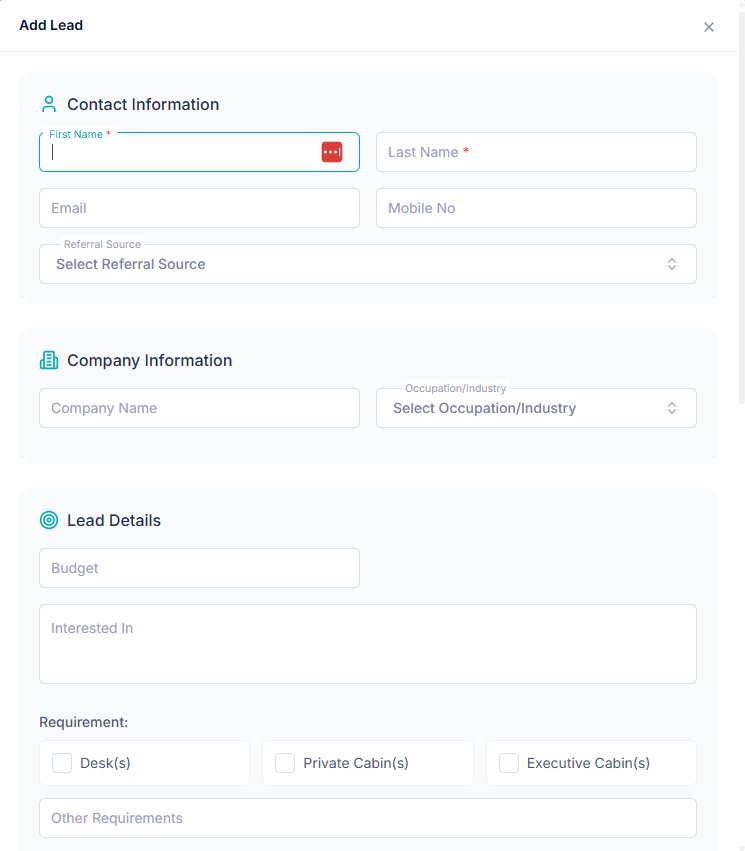
Each location gets a lead form you can place on your own site. Copy the embed code into the page — it is a simple frame, so your existing website stays as it is. You choose which fields to ask for. Name is always required. Phone, email, a message, and a preferred visit date can be required, optional, or hidden.
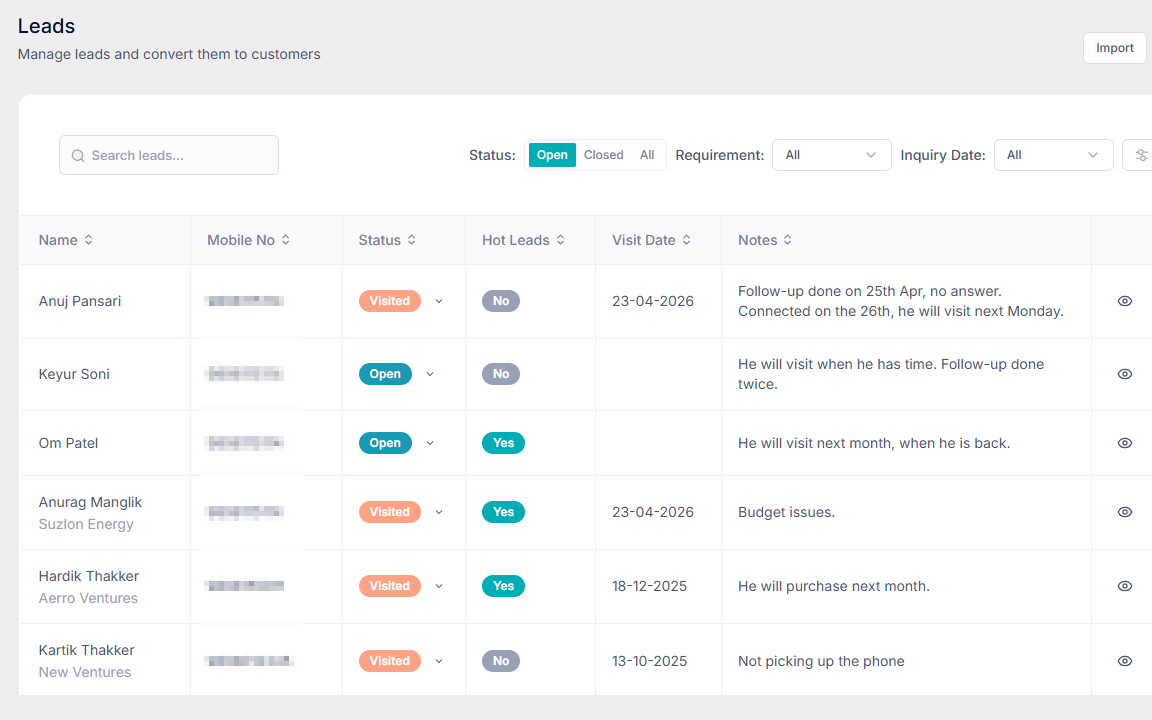
When someone submits the form, Coworking App opens a lead for that location, marked as a website inquiry. It shows up in the same lead list as a walk-in. Your team adds a follow-up note, marks the tour, and sends a quote without copying the message out of an email thread.
Ask members for a review, and send the happy ones to Google
Google reviews are a lead channel. A profile with recent, specific reviews gets the click when three coworking spaces sit next to each other on the map. The hard part is asking at the right moment, and not sending an unhappy member straight to a public page.
Coworking App gives you a feedback link for the location. Send it to members after they settle in — on WhatsApp, by email, or at the desk. The link asks for a rating first.
- Five stars sends the member on to your Google review page, so the public listing collects the reviews that help the next lead choose you.
- A lower rating stays private. The member can leave a name and a note, and Coworking App emails your team. You hear about the noisy room or the slow Wi-Fi before it becomes the review everyone else reads.
Add your Google review link in Coworking App once. After that, the same feedback link is what you send. You are not chasing members to "please Google us" with no path, and you are not gambling that every rating belongs on the public profile.
A Play Store app that creates a lead
A website form waits for someone who already found you. A branded app is a listing of its own. Coworking App helps you put your space on the Play Store as a mobile app members use for bookings and day-to-day self-service. The same app is a front door for people who are not members yet.
Someone downloads the app, opens it, and shares their mobile number and contact details. If they are not already a member, Coworking App adds them as a lead, with the source set to the mobile app. Your team sees the name and number in the lead list and follows up the way you would follow up a website inquiry. If they later book, that lead is already in the system you use to run the space — membership, bookings, and billing — instead of a separate spreadsheet of "people who downloaded something."
That is the loop. Google, your website, Maps, Coworker, and myHQ make you findable. The form, the review link, and the Play Store app turn attention into a lead with a phone number. The rest of Coworking App is how you work that lead: notes, a visit, a quote, then the membership, the desk, and the invoice. Plans start at ₹2,499/mo for one location.
FAQs
What is the fastest way to get more leads for a coworking space?
Claim and complete your Google Business Profile, put the pin in the right place on Google Maps, and make sure your website, Coworker, and myHQ listings all point to a way to inquire. People already searching for a desk nearby will find you before a new ad campaign will.
Do I need a website if I already have a Google Business Profile?
Yes. The profile gets you found. The website is where you explain plans, show the space, and collect an inquiry. A profile with no site, or a site with no inquiry form, sends interested people back to a phone number that nobody answers.
How does Coworking App capture leads from my website?
Coworking App gives each location an inquiry form you can embed on your site. When someone submits their name and contact details, the software creates an open lead tagged as a website inquiry, so your team can follow up from the same place you manage members and billing.
How can a member app bring in new leads?
Coworking App helps you publish a branded app on the Play Store. Someone who downloads it and is not already a member shares their mobile number and contact details. That person is added as a lead in your software, with the source marked as the mobile app.
Conclusion
More leads for a coworking space start with the places people already look. Finish your Google Business Profile, give the website a clear offer and a form, put the map pin on the right door, and keep Coworker, myHQ, and your social profiles as accurate as the board outside. Then catch every inquiry in one list.
Coworking App is built for the catching and the running: a website form that opens a lead, a feedback link that feeds your best reviews to Google, and a Play Store app that adds anyone who shares their mobile number. The same product is where you follow up, book the desk, and bill the member. See how operators run it, or compare it with other platforms on our blog.
Ready to simplify your coworking operations?
See why operators across India choose Coworking App — easy to use, easy to onboard, and built for real coworking workflows.